Please note that you require Organisation Admin Rights to access these pages.
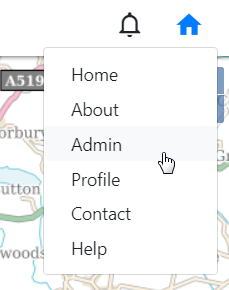
As an Admin User you will have access to the Admin pages for your organisation, accessed via menu at the top right of the screen.
Organisation and user admin
Using the menu on the left-hand side, you can inspect and edit your organisation details, and review and edit their user accounts.
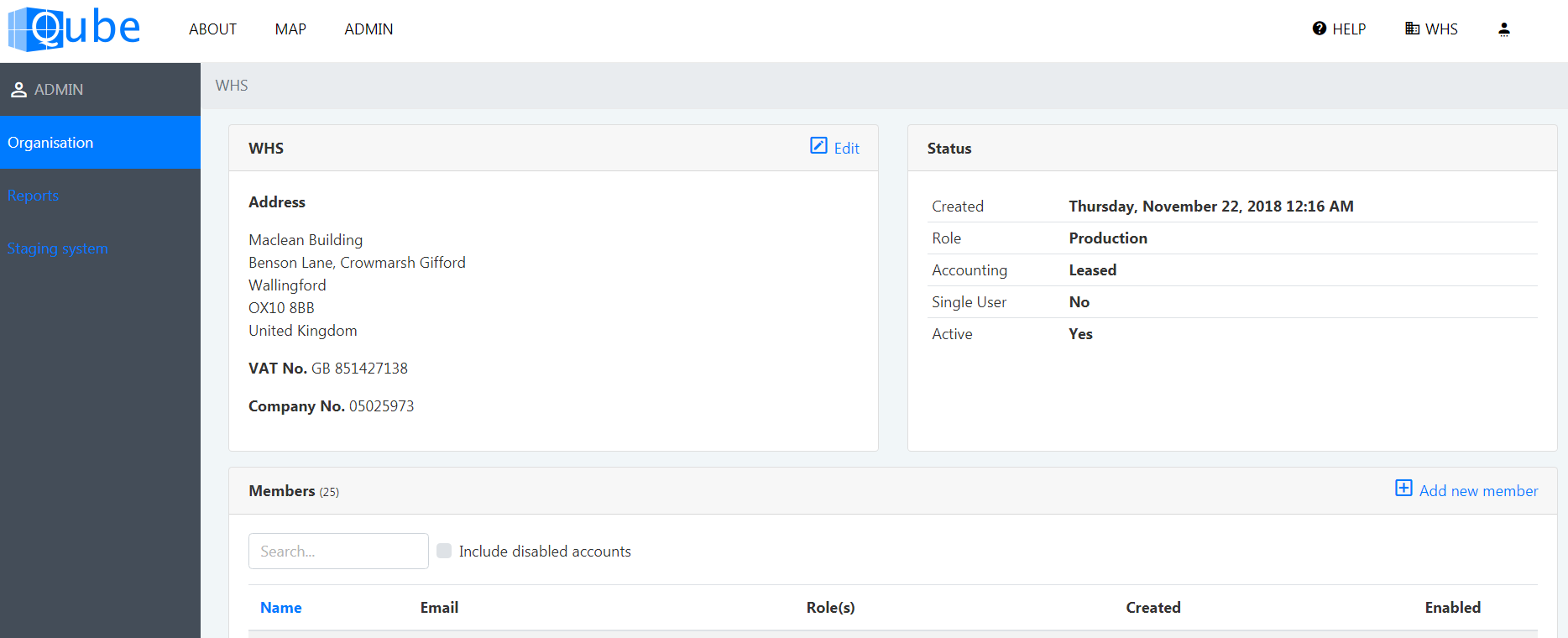
Tip: If you're a member of multiple organisations, you can change which organisation you are viewing by selecting your organisation name in the top right of the window.
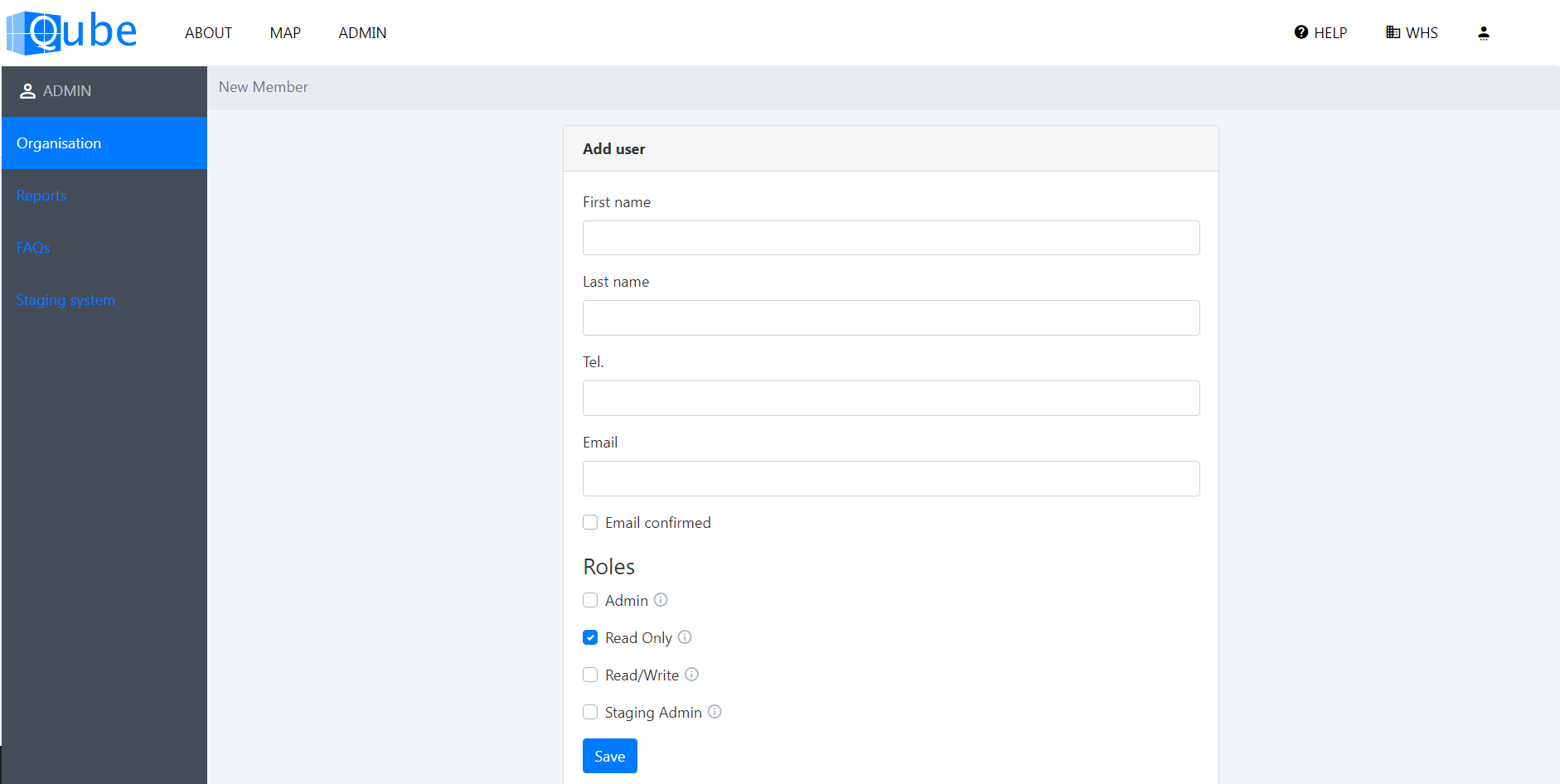
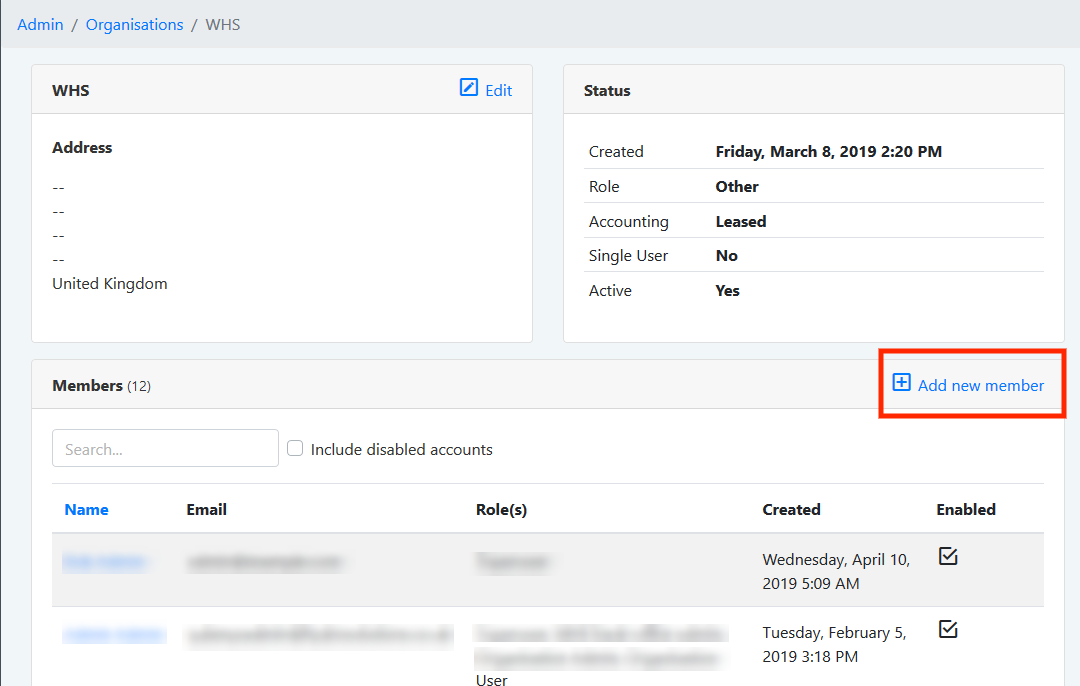
You can also add new members, who will receive an email invite, in which they will need to follow the link to confirm their email address and complete the setup process. As default, new members are read-only users, but you can also select new users to have additional rights:
Read-only rights:
- save or purchase catchments
- delete catchment
- upload catchment
- view catchment
Admin rights:
- manage users
- manage FAQs
- generate reports
Read-write rights: (Regulators users only. These should not be used on the production system. These should only be given for staging/training systems.)
- as read only
- create/update/delete artificial influenced
- create/update/delete gauging stations and spot gauges
Staging Admin rights: (Regulators users only)
- import/export data between production and staging/training/etc. See Staging Admin Access
Re-issuing Qube invitations
For security reasons, invitations sent by Qube expire after one week. If the user has not accepted the invitation within this period, you can re-issue the invitation.
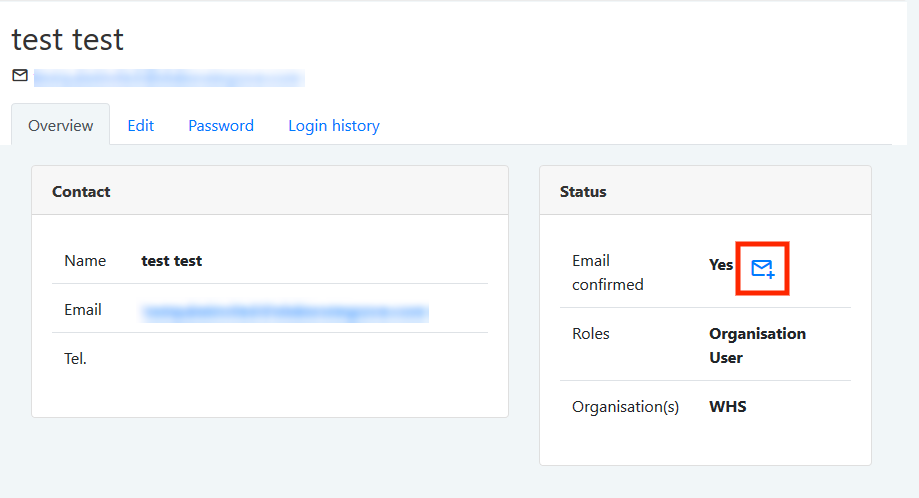
For new users who have not yet confirmed their account, edit their account and use the icon highlighted below to re-send the invite:
For existing users whom you have invited to an additional organisation, repeat the original process to add a member to an organisation:
Reports
Admin users can run reports from this page.
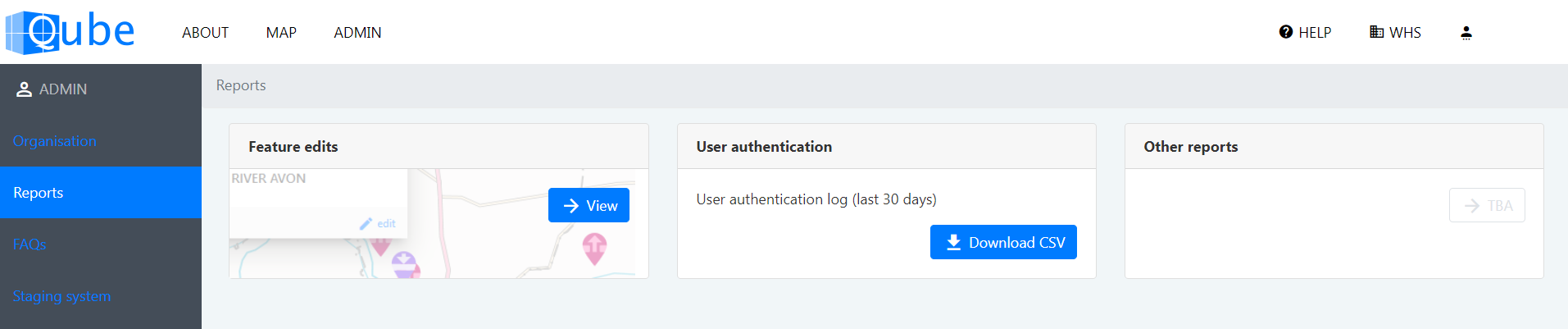
Feature edits
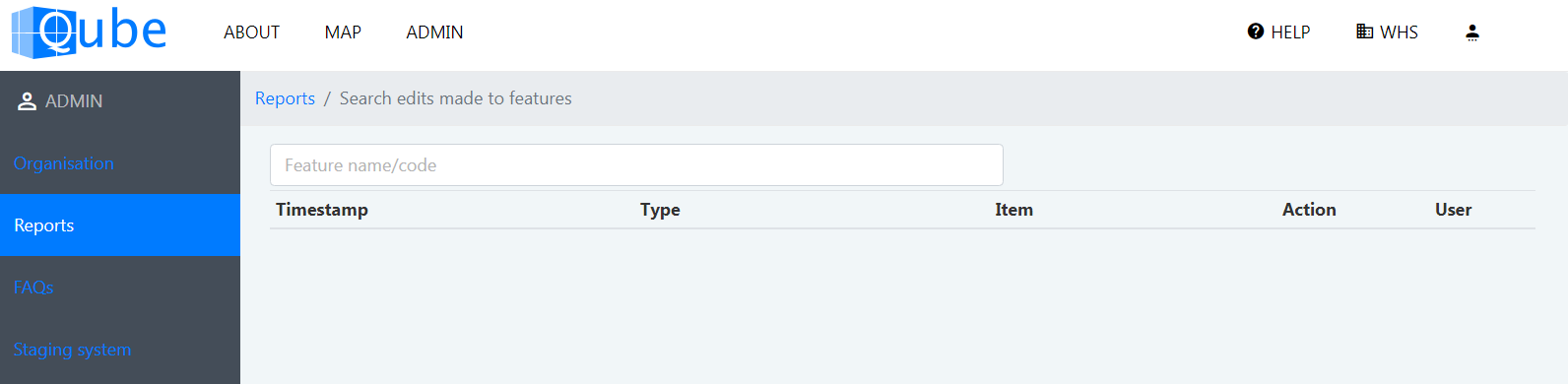
You can search by feature names via a dynamic search to review the timeline of edits for that particular feature.
User authentication
Download a csv for the user authenication within your organisation for the last 30 days.
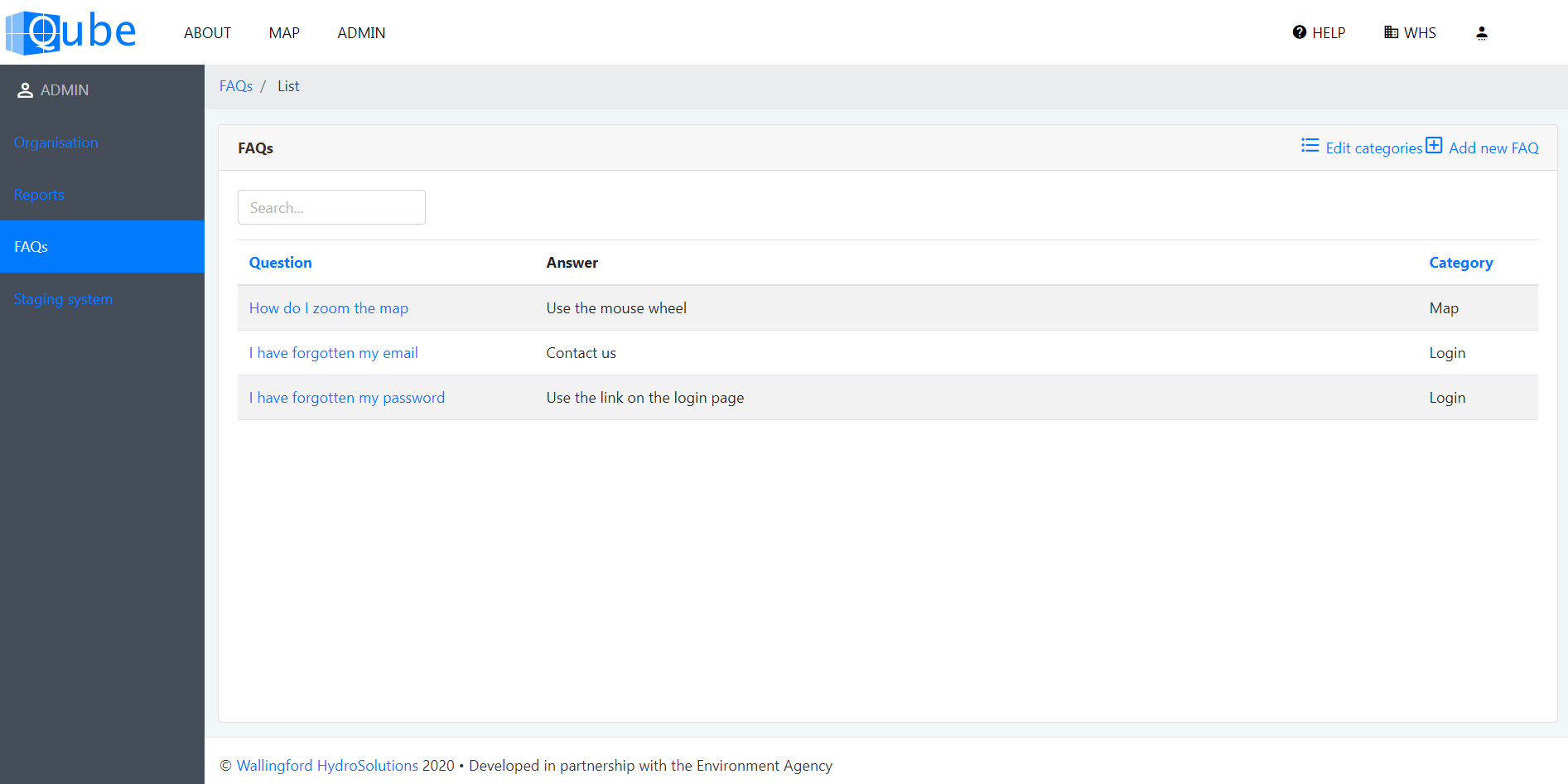
FAQs
You can edit and create new FAQs, specific to your organisation.